
From Game Editor
Instructions
To see the demos you need:
- Have Game Editor installed (Download Game Editor here)
- Unzip the demos (Don't use the windows zip folders. Use a tool like WinZip)
- After unzip, you must get a folder with the ged file and a data folder with the game resources. If not, just create a data folder and copy the resources.
- Load the ged file into Game Editor
New Releases
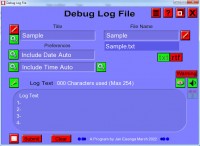
Debug Log File
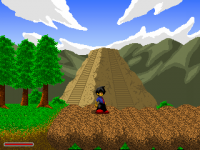
Darkboy - The Agent Training 3D (Demo)
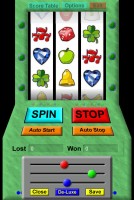
Slotmachine
Memory
Snake

Carrera Race game

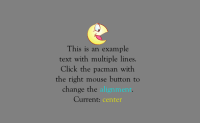
CTR - Custom Text Renderer
Secret Message with Time Lock

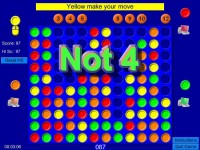
NOT-4 an anti 4 on a row
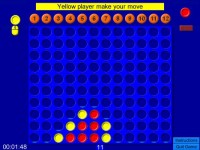
4 on a row
Most Popular
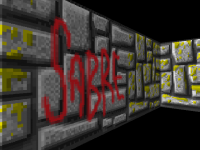
SABRE - (Stable Actor Based Raycasting Engine) - UPDATES!
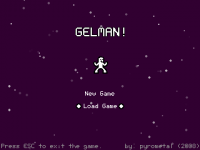
Gelman! (Demo 2!) - Source codes released!
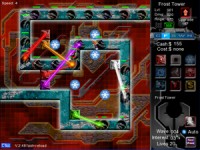
Tower Defense Full Version!
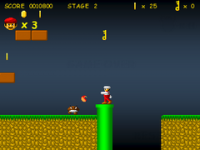
MARIO And The Golden Key
Dimension 55355 - source code
The demo request list
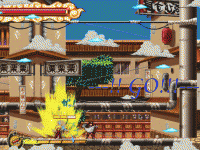
Sims 2D

StickManJumper!
Halo Wars Demo is here
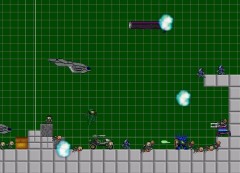
Bitmap window generator function
![[]](wiki/skins/blender/open.png)